






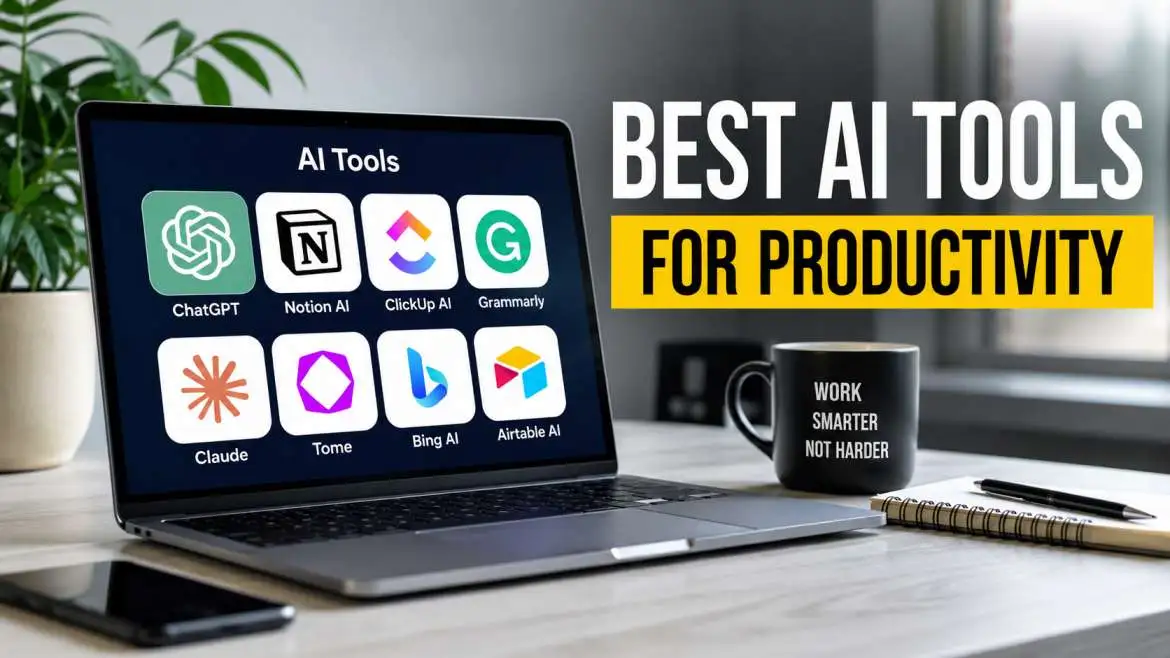
Work feels hard today. There is too much to do. You have emails, meetings, tasks, and plans. Your brain gets tired. You feel slow. But there is a way to fix this. You can use AI tools for productivity. These are computer helpers. They do small jobs for you. They save your time. They keep your mind fresh.
This guide shows you the best AI tools for productivity. You will learn about paid tools. You will also learn about AI tools for productivity for free. We will look at what is new in 2026. We will see tools for business, for personal work, and for product management. No hard words. No tricks. Just simple help.
What Are AI Tools for Productivity?
AI tools are smart computer programs. They learn from many examples. Then they do tasks like writing, sorting, or planning. A productivity tool helps you finish work faster. So an AI tool for productivity is a smart program that finishes your work tasks for you.
For example, you need to write an email. You type one sentence. The AI writes the rest. You need to make a list of tasks. The AI makes the list from your notes. You need to find a file. The AI finds it in one second. These small helps add up. By the end of the day, you save one or two hours. That is real help.
You may also read : Top AI Tools for Business Automation in 2026
Why You Need AI Tools for Productivity
In the past, software only did exactly what you typed into it. You had to click every button and sort every file yourself. The latest AI tools for productivity 2026 updates show that software can now understand what you mean, predict what you need, and complete multi-step tasks for you.
When you use these systems, you gain several massive benefits:
- You get time back: Tasks that used to take hours, like summarizing a fifty-page business report, now take two seconds.
- You reduce mistakes: Computers do not get tired. They can check your writing, your numbers, and your schedules with perfect accuracy.
- You beat mental blocks: If you do not know how to start a project, a smart assistant can build an outline to get you moving.
Best AI Tools for Personal Productivity
Personal productivity is about managing your limited time, keeping your thoughts organized, and finishing your daily chores with less stress. Here are the finest systems to help you run your day-to-day life smoothly.
1. ChatGPT by OpenAI
ChatGPT remains the most famous personal assistant for good reason. It is a highly flexible tool that acts like a smart conversational partner. You can type in simple text and ask it to do almost anything.
- How it helps you: You can use it to plan a weekly workout routine, write a polite note to your landlord, brainstorm gift ideas, or explain a confusing science topic in plain language.
- Why it makes you faster: It eliminates the need to click through ten different websites on a search engine to find a simple answer.
- Cost: Very powerful free version; optional paid version for advanced features.
2. Perplexity AI
Perplexity is an AI-powered search engine that changes how you look up facts. Instead of giving you a list of blue links that you have to click on yourself, it reads the internet for you.
- How it helps you: You type a question, and Perplexity writes a short, clear paragraph answering it. Most importantly, it prints small numbers next to its sentences to show you exactly which websites the facts came from.
- Why it makes you faster: It stops you from wasting twenty minutes reading bad articles just to find one specific detail.
- Cost: Free to use for standard searches.
3. NotebookLM by Google
NotebookLM is a dream tool for students, researchers, or anyone who has to read heavy documents. It is a private digital notebook where you upload your own files.
- How it helps you: Once you upload a PDF, a book chapter, or meeting notes, the software reads them. You can then ask questions about only those documents. It can even turn your text files into a realistic audio conversation that sounds like a radio show.
- Why it makes you faster: It allows you to study complex paperwork without getting lost in hundreds of pages of text.
- Cost: Completely free to use.
Free AI Tools for Business

Running a company requires a lot of money, but your software stack does not have to be expensive. Small business owners and freelancers can use these excellent free AI tools for business to handle marketing, customer support, and administrative tasks.
+----------------+--------------------------+-------------------------+
| Tool Name      | Best Used For            | Free Tier Benefits      |
+----------------+--------------------------+-------------------------+
| Zapier AI      | Connecting business apps | Generous free trials    |
| Grammarly AI   | Writing clean emails     | Basic checks & rewrites |
| Claude         | Writing long documents   | High-quality free model |
+----------------+--------------------------+-------------------------+
1. Zapier AI
Every business uses multiple applications, like email, spreadsheets, and chat programs. Moving data between these apps by hand is a massive waste of time. Zapier AI connects these tools automatically.
- How it helps businesses: You can write a plain sentence like, "When a customer fills out the contact form on my website, copy their name to an Excel sheet and send me a message on Slack." The tool builds that automation for you instantly.
- The business impact: It removes the need to hire an expensive programmer to build systems for your office.
2. Grammarly AI
Clear communication prevents costly business mistakes. Grammarly goes far beyond basic spell-checking to fix your overall communication style.
- How it helps businesses: It reads your email drafts, business pitches, or social media posts as you type. It then suggests ways to make your writing sound friendlier, more professional, or shorter.
- The business impact: It ensures your team always sounds polished and capable when writing to clients.
3. Claude by Anthropic
Claude is an artificial intelligence model known for writing highly natural text that does not sound like a computer wrote it.
- How it helps businesses: It excels at deep analysis. You can paste a long business contract or customer feedback log into the tool, and it will list the main risks or opportunities in seconds.
- The business impact: It helps small teams handle massive writing and reading workloads without hiring extra staff.
Ai Tools for Productivity: 2026 Updates
The year 2026 brings new updates. Old tools got smarter. New tools appeared. Here are the big changes.
Better Memory
Old AI tools forgot what you said five minutes ago. New AI tools in 2026 remember your whole conversation. You can talk to a tool for one hour. Then you ask, "What did we say about the budget?" The tool remembers and tells you. This is called long memory. It makes AI feel like a real assistant.
Working Across Apps
In the past, each tool lived alone. Your calendar did not talk to your email. Your email did not talk to your notes. In 2026, the best AI tools for productivity work across all apps. You give permission. Then the AI sees your calendar, email, notes, and tasks. It connects everything.
Example: You get an email that says "Meeting moved to Thursday." The AI sees this. It goes to your calendar. It moves the meeting. It finds a new time for your task that was in the old meeting slot. It sends you a note about the change. All of this happens without you doing anything.
Voice First
Typing is slow. In 2026, you talk more. Many AI tools for productivity now work by voice. You open the app. You say, "Make a task for 3 PM to call the client." The tool makes the task. You say, "What is my next thing?" The tool reads your next task. You keep working with your hands free. This is good for people who drive, cook, or walk while working.
Free Ai Tools For Business
Businesses have special needs. You need to handle customers, track sales, and manage people. Paying for every worker is costly. So free AI tools for business help small companies save money.
HubSpot Free Ai Tools

HubSpot gives a free CRM (customer management). Inside that free CRM, they have small AI helpers. The AI writes email templates for you. It scores your leads (tells you who is most likely to buy). It suggests the next step for each customer. You do not need to guess. The AI looks at past sales and tells you what works.
Canva Free Ai For Business
Canva is for making pictures and flyers. The free version has AI that makes images from words. You type "Blue logo for a coffee shop." Canva makes five logos. You pick one. You change the colors. You are done. A business saves money on hiring a designer. A worker saves time on learning design tools.
Trello Free With AI Power-Up
Trello is a task board. You make lists and cards. The free version lets you add one AI power-up. That means you can use a small AI helper inside Trello. The AI can sort your cards by due date. It can move finished cards to a "Done" list automatically. It can flag cards that have no updates for three days. These small actions keep your business tasks clean.
Ai Tools For Product Management
Product managers have a hard job. You need to talk to engineers, designers, and bosses. You need to plan features, track bugs, and write requirements. AI tools for product management take the heavy thinking off your plate.
Productboard Ai
Productboard is for planning what to build. You collect feedback from customers. You get hundreds of messages. It is too much to read. Productboard AI reads all feedback. It finds the top three things customers want. It groups similar requests together. It shows you a clear report. Now you know what to build next. You do not guess. You do not read for ten hours. The AI did the reading.
Linear
Linear is for tracking software bugs and tasks. Engineers use it. But product managers use it too. Linear has an ai feature called "Linear Asks." You type a question in plain words. "Show me all bugs from last week that are not started." Linear shows you exactly that list. No filters. No clicking. Just type and see. This saves product managers ten minutes every hour.
Aha! Notebooks
Aha! is a product roadmap tool. Notebooks is their free ai writing helper. You need to write a product requirement document. That is a long paper explaining what to build. You write a few sentences. Notebooks write the rest. You give it the title "Login button for mobile app." Notebooks writes two pages of requirements. You check the work. You fix small errors. You send it to the team. What used to take four hours now takes forty minutes.
Step-by-Step Guide: Building Your First AI Workflow
To get the absolute most out of this technology, you should connect different tools together. Here is a simple example of a daily routine that saves hours of office work:
[Step 1: Otter.ai] Records & Transcribes the Morning Team Meeting
       │
       ▼
[Step 2: ChatGPT]  Reads the Transcribed Text & Extracts Action Items
       │
       ▼
[Step 3: Notion]   Saves the Tasks and Automatically Assigns Deadlines
- The Meeting Stage: Use a tool like Otter.ai to listen to your morning team discussion. The software records the voices and turns the spoken words into a typed text document in real time.
- The Summary Stage: Copy that text document and paste it into a tool like ChatGPT or Claude. Ask the tool: "Read this meeting text and give me a bulleted list of the exact tasks each person agreed to do."
- The Organization Stage: Paste those clear action items directly into your Notion workspace.
By using this simple routine, nobody has to take manual notes during the meeting, and no one forgets their responsibilities.
Important Rules for Using AI Safely
While these tools are incredibly powerful, you should not trust them blindly. Always keep these safety tips in mind:
- Always check for accuracy: Smart software can sometimes make up fake facts with total confidence. Never send a document to a boss or client without reading through it yourself to ensure the data is true.
- Protect your private data: Never type highly secret information, like bank account numbers, passwords, or private client details, into free online tools. Many systems use your inputs to train their models, meaning other people could theoretically see that data later.
- Keep your human touch: Technology can write a fast draft, but it does not know your personal experiences or your company’s unique voice. Use software to build the skeleton of your work, then add your own real stories and style to make it perfect.
Final Words
Do not be scared of AI. These tools are not here to replace you. They are here to do the boring small work. They write the first draft of your email. They sort your files. They remind you to buy milk. They break big tasks into small steps. That leaves you with your best energy. You use that energy for big thinking, for being kind to people, for solving hard problems.
Start small. Try one free tool today and see how it feels. Most people feel immediate relief and think, “Why did I wait so long?” That could be you too. Pick one tool, give it a try, and start getting your time back.