




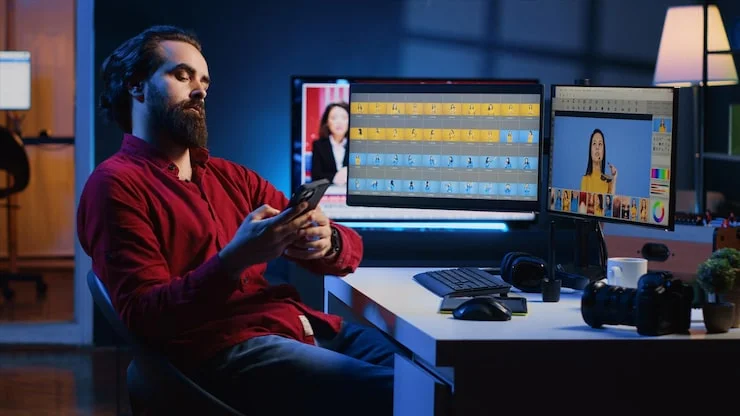
If you edit photos on a laptop, you already know the problem. The screen is small, the colors shift when you tilt it, and fine details hide in the shadows. A portable monitor solves this by giving you a second screen you can carry in the same bag as your laptop. But the market is full of screens that look good on paper and disappoint the moment you open a raw file.
This guide is for photographers who need a second screen that tells the truth about color. We will skip the marketing language and focus on what actually matters when you are adjusting shadows, correcting skin tones, or checking a highlight before you export.
Start With the Panel, Not the Resolution
The first thing most people check is resolution. That is a mistake. For photo editing, the panel technology matters more than whether the screen is 1080p or 4K.
You want an IPS panel. IPS stands for In-Plane Switching. These panels keep colors stable when you look at the screen from an angle. If you lean back in your chair or turn the screen slightly to show someone else, the image should not turn purple or wash out. Cheap portable monitors sometimes use TN or VA panels that look fine straight on but fail the moment you move your portable monitor for photo editing.
Resolution still has a place in the decision, but it depends on screen size. A 15.6-inch screen at 1080p gives you a sharp enough image for editing. A 4K panel at that size makes text and fine details look smoother, but it also drains your laptop battery faster and costs more. If you mostly edit photos and do not work with video, 1080p is a practical choice. If you shoot medium format or need to inspect every pixel, 4K is worth the trade-off.
Read Also: Best Smart Home Gadgets: Simple Devices to Make Your Life Easier
Color Coverage Is the Number That Matters Most
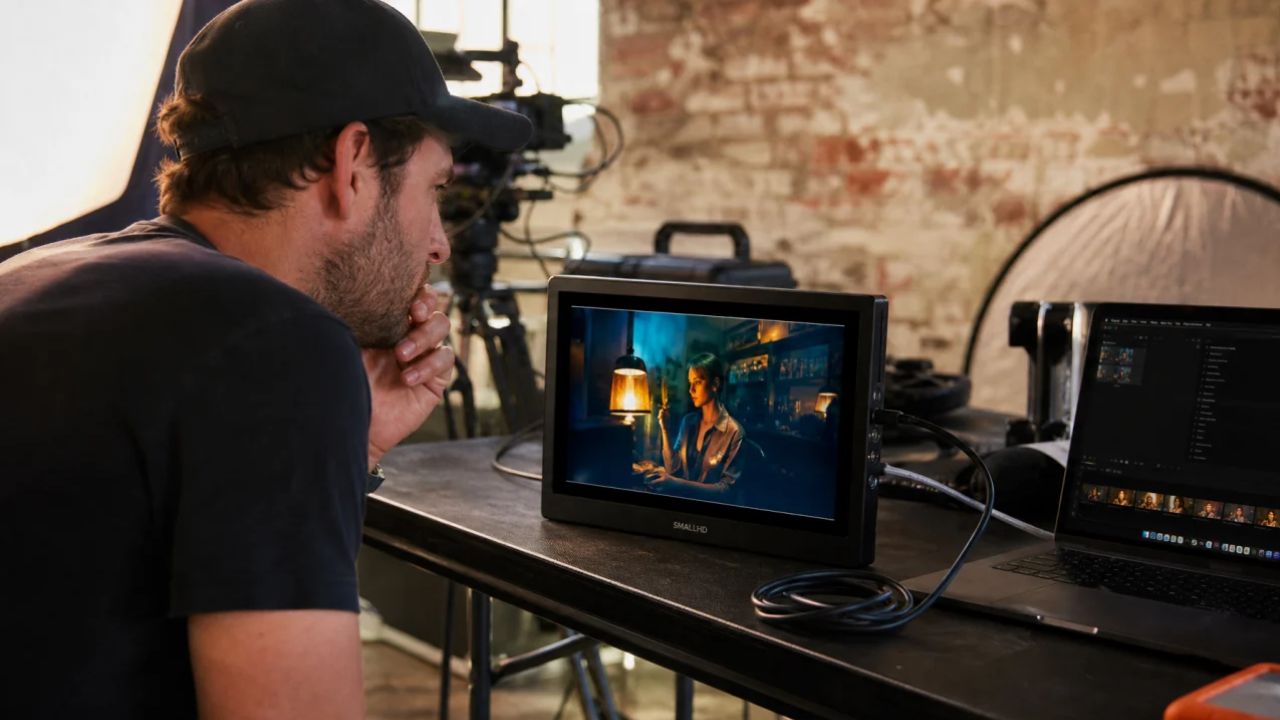
This is where most buying guides get vague. They say "look for good color" without telling you what good means. You need numbers.
Look for a monitor that covers at least 95% of the sRGB color space. sRGB is the standard for images that will be seen on the web, on phones, and in most client deliveries. If the screen only covers 70% of sRGB, your reds will look dull and your greens will shift. You will spend hours correcting colors that were never wrong on your camera—they were wrong on your screen .
If you print your work or deliver to clients who need Adobe RGB, you need a monitor that covers a higher percentage of that space. Adobe RGB has a wider green and cyan range than sRGB. A screen that covers 95% sRGB might only cover 75% Adobe RGB. Check the spec sheet for both numbers if print is part of your workflow.
There is one more number to look for: Delta E. This measures how far the screen's colors drift from perfect accuracy. A Delta E under 2 is excellent. Under 3 is good. Anything above 4 means you will notice the difference without comparing side by side. Some manufacturers list this spec. If they do not, that tells you something too .
Brightness: You Need More Than You Think
Portable monitors are often dim. The cheapest models push 200 to 250 nits. That is fine in a dark room at night. It is useless in a coffee shop with windows or a hotel room with overhead lights.
For photo editing, you want at least 300 nits. That gives you enough headroom to see shadow detail when the room is not perfectly dark. If you often edit outdoors or near large windows, look for 400 nits or higher. Brightness affects how you judge contrast. A dim screen makes shadows look deeper than they are, so you lift them too much and end up with flat, gray images .
Matte screens handle reflections better than glossy screens. A glossy screen might look richer in a dark room, but in daylight it turns into a mirror. For editing, matte is the safer choice. You want to see your photo, not your face .
The Cable Problem Nobody Warns You About
Every portable monitor advertises "single USB-C cable" connectivity. The reality is messier. That single cable only works if your laptop's USB-C port supports DisplayPort Alt Mode and delivers enough power. Many laptops have USB-C ports that do data and power but not video. Some have video but not enough power to run the monitor.
Check your laptop's specifications before you buy. If your port does not support both video and power over USB-C, you will need two cables: one for the signal (usually HDMI or Mini-HDMI) and one for power. That means more clutter and one more thing to forget at home .
If you use a desktop replacement laptop with a full HDMI port, this is less of an issue. But if you are on a thin ultrabook, verify the USB-C capability first. The monitor's manual should list what is in the box. Make sure the cables you need are included. Buying a monitor that requires a Mini-HDMI cable you do not own adds cost and delay .
Weight and Stand: The Difference Between Portable and Transportable
A monitor that weighs two pounds is portable. A monitor that weighs two pounds but comes with a separate folding stand, a power brick, and three cables is not. Look at the total weight of everything you need to carry.
Screens under 800 grams are easy to slide into a laptop sleeve. Above that, you will notice it in your bag by the end of the day . The stand matters too. Some monitors have a built-in kickstand that folds out from the back. Others use a magnetic cover that folds into a stand. A built-in stand is harder to lose. A magnetic cover protects the screen when you are not using it. Both work. A separate plastic stand that snaps on is the worst option because it is easy to leave behind.
Check the viewing angle range. You want a stand that lets you tilt the screen back slightly. A screen that sits perfectly vertical forces you to sit in one position. Your neck will tell you about it after an hour.
Calibration: Can You Trust the Factory Settings?
Most portable monitors come with a factory calibration. Some are decent. Many are not. The only way to know is to check the review data or test it yourself with a colorimeter.
If you already own a calibrator like a Datacolor Spyder or X-Rite Calibrite, look for a monitor that supports hardware calibration. That means the calibration settings are stored on the monitor itself, not in your computer's graphics card. Hardware calibration is more reliable because the monitor keeps its accuracy when you switch computers. Software calibration works too, but you have to recalibrate more often .
If you do not own a calibrator and do not plan to buy one, look for a monitor that ships with a calibration report in the box. That report tells you what the factory measured for color accuracy and uniformity. A monitor without a report is a gamble.
You May Also Like: The Best Budget Smartwatch for Fitness Tracking in 2026
What About Touchscreens and Speakers?
Skip them. A touchscreen adds weight, drains battery, and smudges easily. Photo editing with a mouse or a pen tablet is more precise. Built-in speakers on portable monitors are almost always thin and quiet. You will use headphones anyway. Every extra feature adds cost and weight. Put that money into the panel instead.
A Short Checklist Before You Buy
Bring this list to the product page. If the manufacturer does not list a spec, assume it is mediocre.
Panel: IPS. Color coverage: 95% sRGB or higher, with a Delta E under 3. Brightness: 300 nits minimum, 400 for bright rooms. Surface: Matte. Weight: Under 800 grams for the screen alone. Connectivity: USB-C with DisplayPort Alt Mode confirmed on your laptop, plus HDMI as a backup. Cables: Included in the box. Stand: Built-in or magnetic cover.
If a monitor checks these boxes, it will do the job. If it does not list these specs, it is not designed for photo editing. It is designed for spreadsheets and email.
Conclusion
A portable monitor for photo editing is a color tool, not a convenience gadget. The difference between a screen that covers 70% sRGB and one that covers 98% is the difference between guessing and knowing. You do not need the most expensive model. You need one that tells you the truth about what your camera captured.
Buy for the panel. Ignore the extras. Check your laptop's port before you check the monitor's price. And if the spec sheet does not mention color coverage, close the tab and look at a different model. Your photos deserve a screen that can show them accurately.